Raven Documentation
Raven keeps the engagement together, from scope to report. Define authorized targets, discover assets, choose tests, and carry results into findings, evidence, and deliverables in one local workspace. Import existing scans and add manual observations when that fits the work.
The individual app is free to run without an account, pairing, or AI credits. AI is optional: use your own supported provider, copy a reviewed prompt into your preferred AI app, or pair an account for Chamber Door's managed AI.
Start here
| Guide | What it covers |
|---|---|
| Quick Start | From download to your first finding |
| Install Raven | One-line, Docker, and bare-binary installs; optional managed-AI pairing |
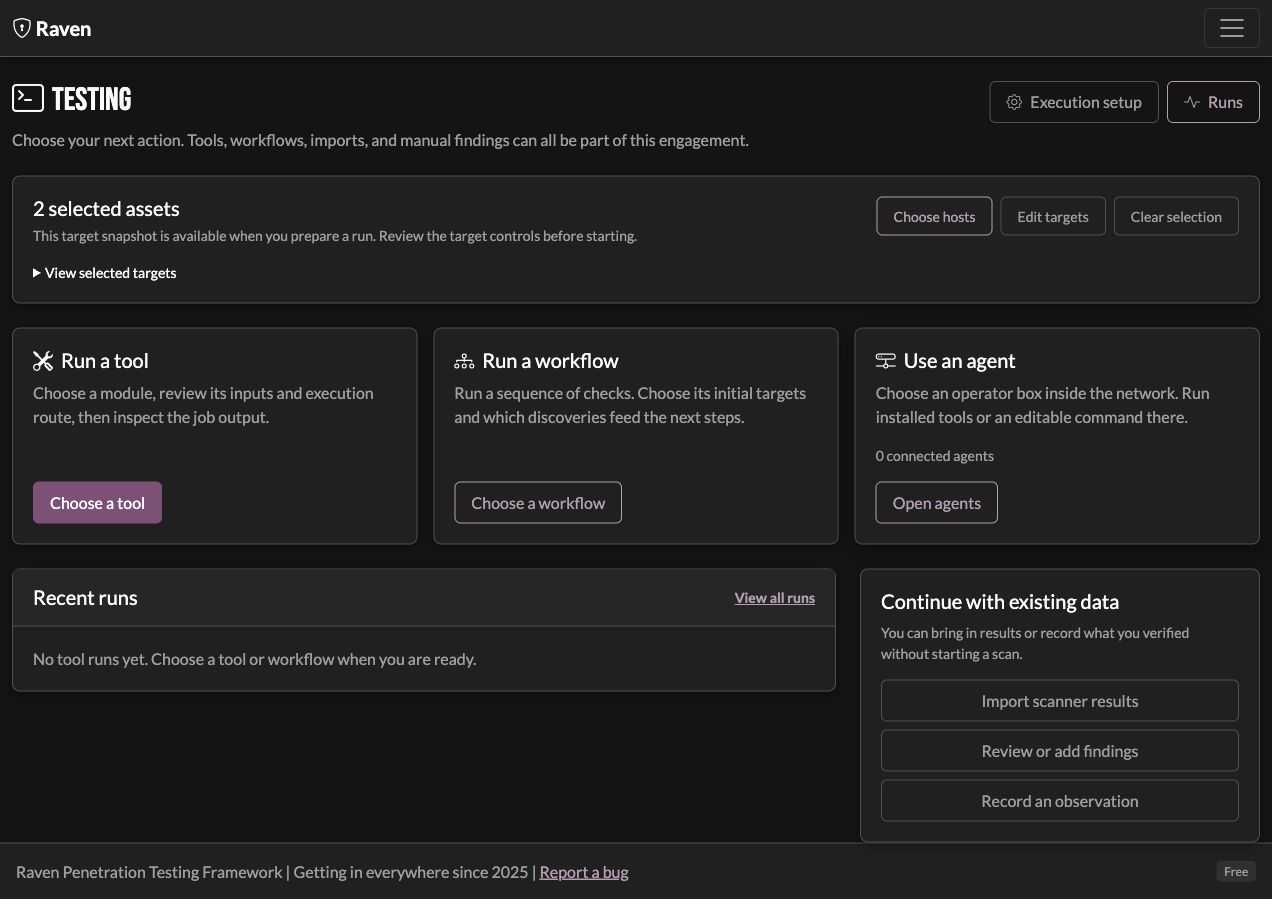
| Testing Workspace | Target selection, execution, smart-scoped workflows, and retesting |
| Internal Lab Walkthrough | A practical SMB, authentication-capture, evidence, and retest flow |
| Remote Agent | Operator-host binary placement, callback/token setup, and connection recovery |
| Research & Reference | Cheatsheets, platform references, and reviewed command drafts |
| Move an Engagement | Encrypted transfer from a client test box to a reporting machine |
| CLI / REPL | The terminal operator client and its commands |
| Web Dashboard | Driving Raven from the browser |
| Testing Windows | Enforcing client-approved testing times |
| Scanning | Running and orchestrating the integrated tools |
| AI Analysis & Privacy | BYO providers, local models, manual exchange, and managed AI |
| Offline Mode | What works without a connection, and what needs one |
| Troubleshooting | Pairing, AI errors, scanning, and dashboard fixes |
How it fits together
- Raven server stores engagement data and serves the dashboard. Docker bundles
the tools for the shipped modules and a local executor; a bare binary uses tools
installed on its host. Artifact names containing
prodo not make the individual core workflow paid. - Raven REPL is the terminal operator client. It connects to the server for engagement and testing commands. Native BYO analysis is currently a web-dashboard feature; REPL AI commands retain their managed service path.
- Optional AI uses the path you choose. Native BYO sends the reviewed snapshot directly from the Raven host to your saved provider. Manual exchange lets you choose an AI app yourself. Managed requests use a paired Chamber Door account and its credit balance.
Privacy stays part of the workflow
Raven replaces known identifiers with placeholders and redacts recognized secret formats before AI analysis. The identifier mapping stays with the engagement on the Raven host, where recognized response placeholders are restored. Redacted secrets are not restored. Save your privacy rules and inspect the prepared text: unregistered names and identifying technical context can remain. See AI Analysis for the boundaries.
Current beta
These guides describe the individual beta, including its testing workspace, personal tools, testing windows, engagement transfer, retest preparation, grouped settings, and BYO/manual analysis. Team replay and SOC attack replay are planned features, not capabilities in this beta.